
Your trusted platform for link management, elevated QR code
experiences, and dynamic Link-in-Bio solutions.
"The customizable the QR Codes & shortlinks are ideal for creating professional, branded links, Highly recommend!"

Dennis, Xtremeict
No credit card required
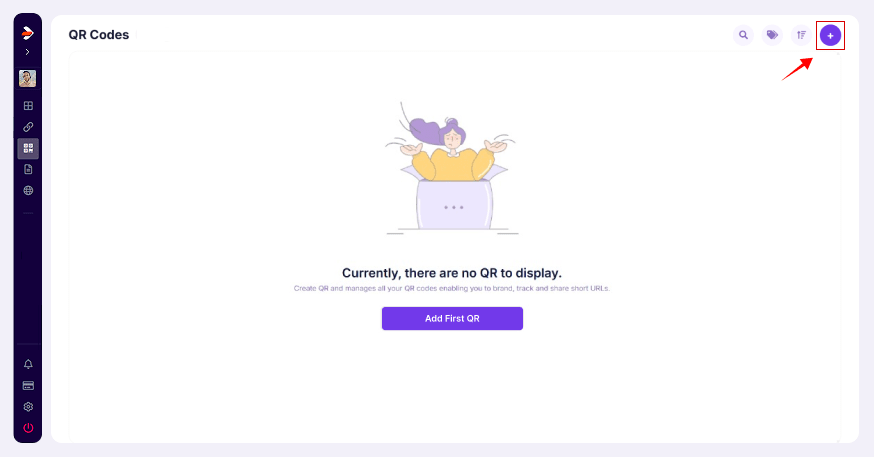
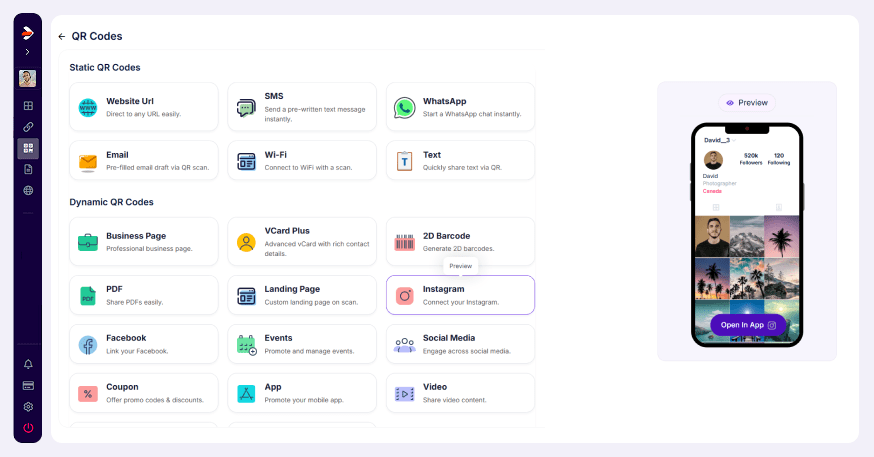
Creating a QR Code in Divsly is a straightforward process. Follow these simple steps to generate your own QR Code:
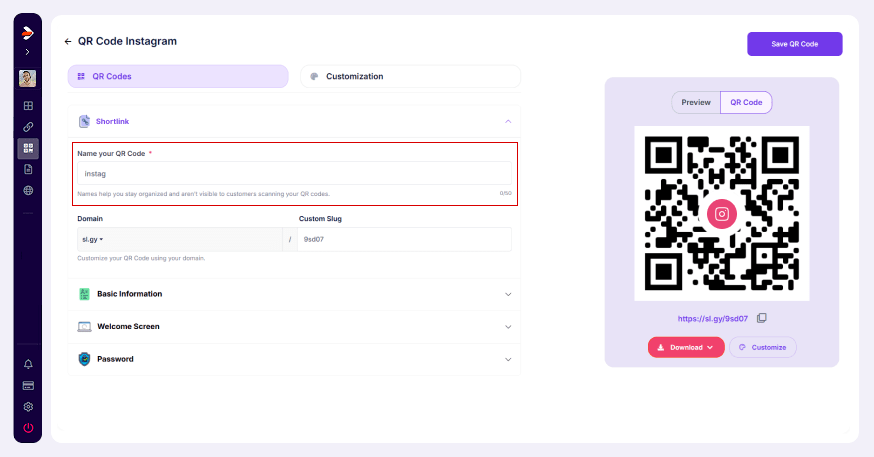
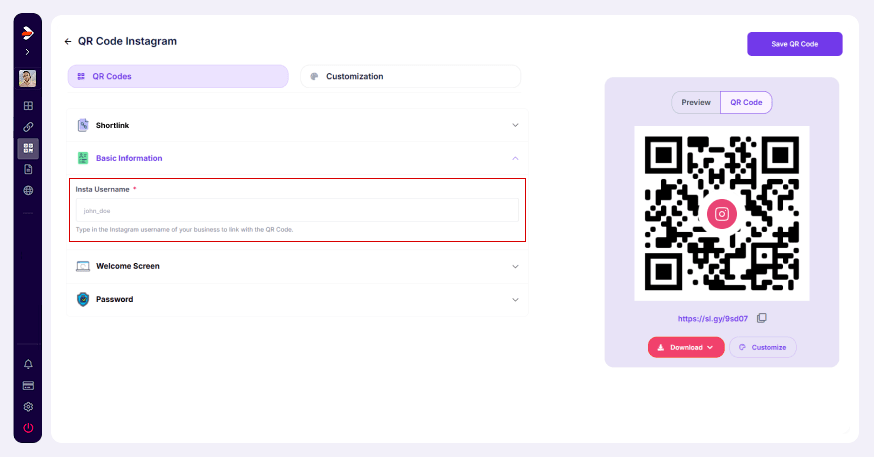
Customize QR Code (Optional): You can customize color, pattern, and corners.
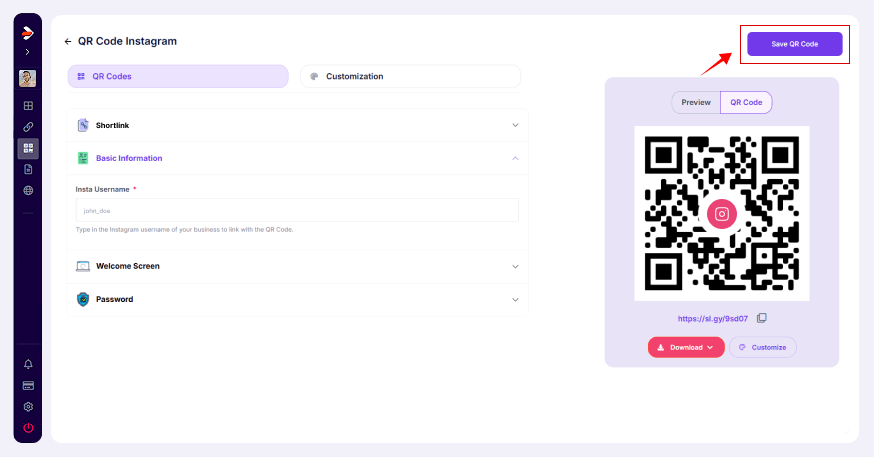
Your QR Code is now ready to use.


