Your trusted platform for link management, elevated QR code
experiences, and dynamic Link-in-Bio solutions.
"The customizable the QR Codes & shortlinks are ideal for creating professional, branded links, Highly recommend!"

Dennis, Xtremeict
No credit card required
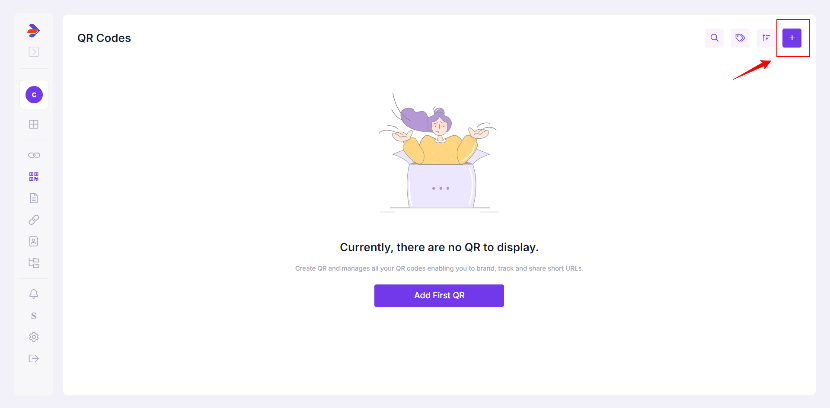
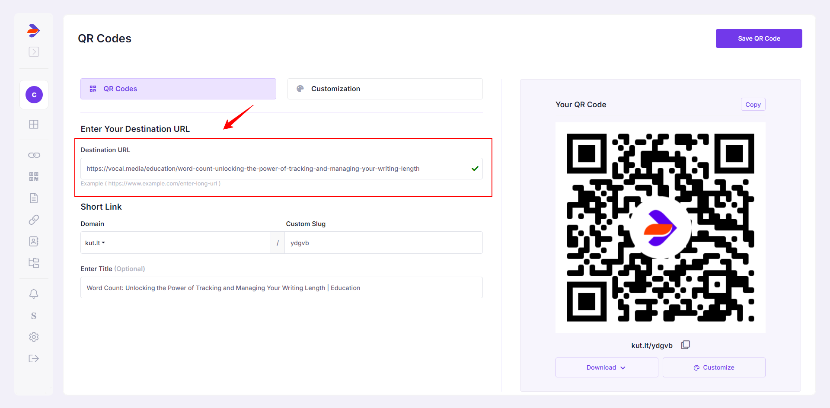
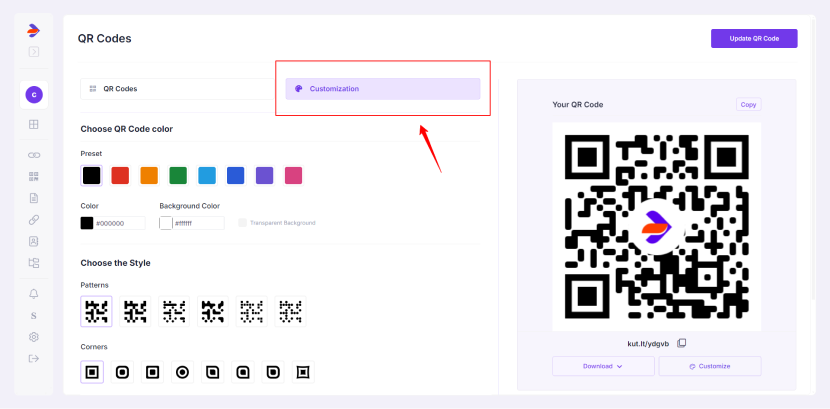
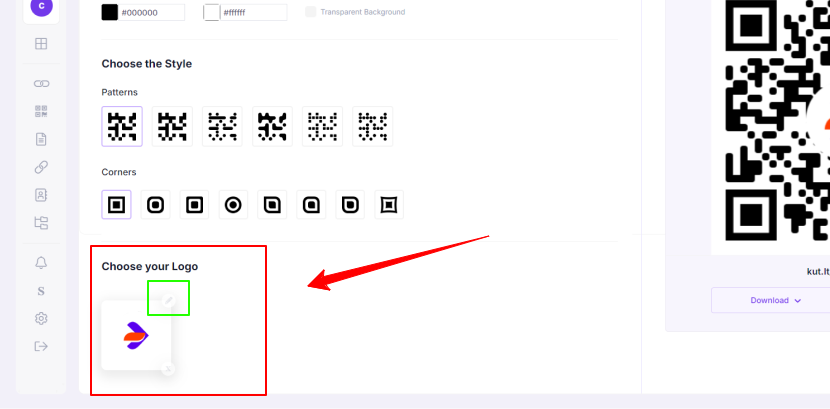
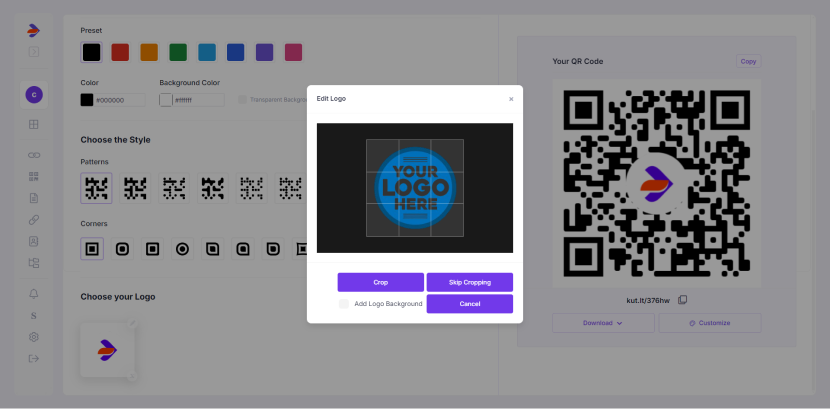
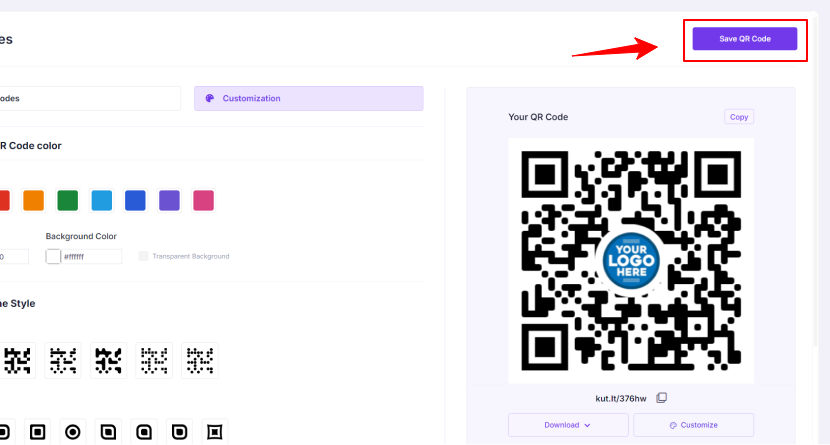
Incorporating your brand logo into your Divsly QR Code can enhance brand recognition and trust. Here's how to do it