
Your trusted platform for link management, elevated QR code
experiences, and dynamic Link-in-Bio solutions.
"The customizable the QR Codes & shortlinks are ideal for creating professional, branded links, Highly recommend!"

Dennis, Xtremeict
No credit card required
Divsly provides two types of analytics for Link-in-bio pages:
Steps to access Divsly Link-in-bio Pages analytics:
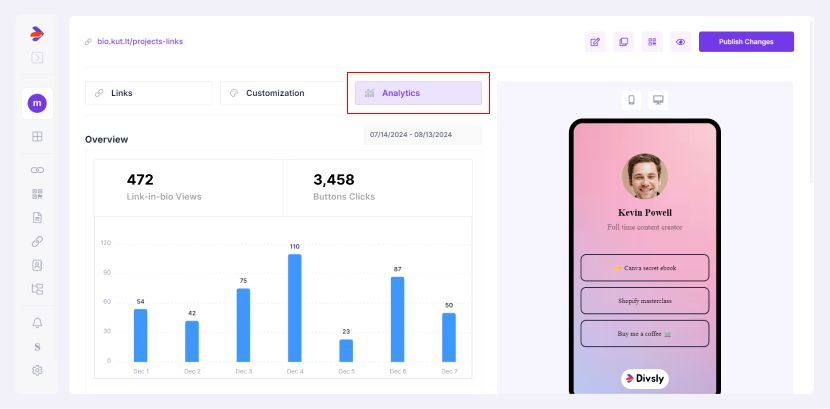
These analytics offer insights into how your audience interacts with your content, enabling you to optimize your Link-in-bio page for better engagement.


