
Your trusted platform for link management, elevated QR code
experiences, and dynamic Link-in-Bio solutions.
"The customizable the QR Codes & shortlinks are ideal for creating professional, branded links, Highly recommend!"

Dennis, Xtremeict
No credit card required
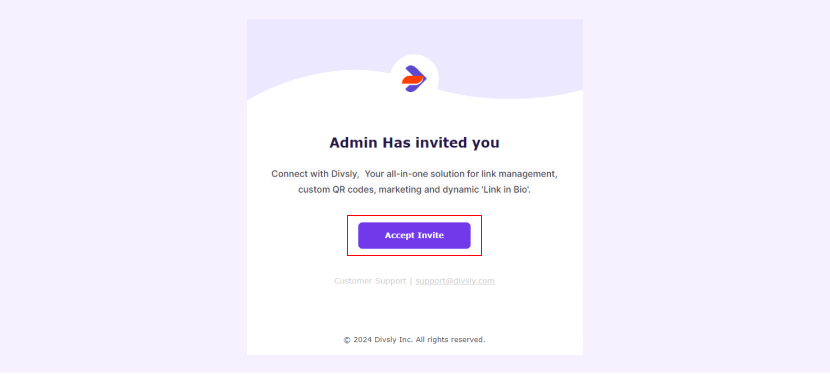
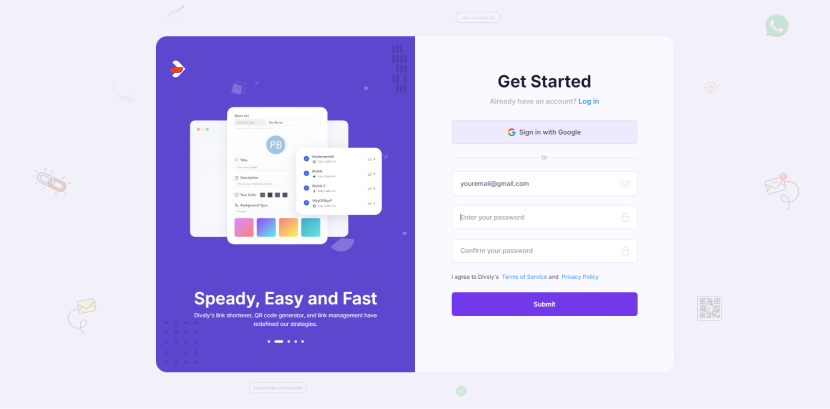
Once logged in, you can start managing your links, QR codes, and other features available in your Divsly account.


